
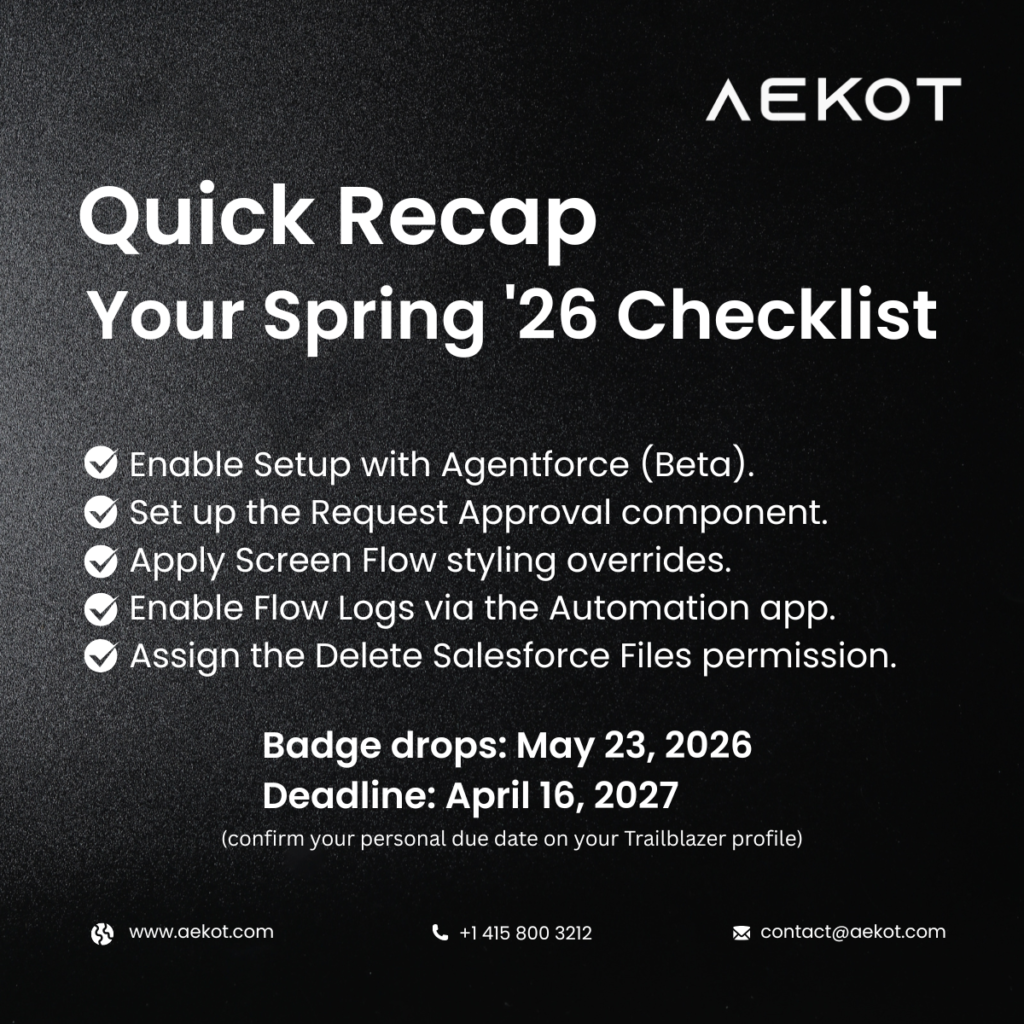
If you hold a Platform Administrator certification – or any of the other 7 certifications this badge covers – completing this badge keeps you active for another year. Here’s exactly what the module covers and what you need to do.
This badge covers: Platform Administrator (I & II), Sales Cloud, Service Cloud, Experience Cloud, Field Service, Education Cloud, and Nonprofit.
Complete your badge by May 16, 2027, to keep your certification active.
Action 1 – Enable Setup with Agentforce ⚠️ Beta
Administrative work often requires jumping between Setup pages, documentation, and metadata views. Setup with Agentforce reduces this friction by allowing admins to chat directly with an AI-powered agent to ask questions, issue commands, and troubleshoot issues – without needing to go back and forth between pages.
What to do: To enable Setup with Agentforce, you must have the Customize Application and Data Cloud User permission set. To access Setup with Agentforce, users must have the Use Setup with Agentforce AND Execute Prompt Template permissions, as well as access to the Data 360 default data space, the Data Cloud User permission set, and required permissions to perform the task they’d like to perform.
Steps: Setup → Quick Find → Agentforce → Select Setup with Agentforce (Beta) → Turn on → Refresh browser.
Beta feature. Available in Lightning Experience – Enterprise, Performance, Unlimited, and Developer editions with Foundations or Agentforce 1.
Action 2 – Add Approval Submissions to Record Pages Without Custom Buttons
The Request Approval component lets you submit records for approval directly from record pages – no custom buttons required. It integrates with autolaunched flow approval processes, allowing approval submissions to feel native, consistent, and easier to maintain across your org.
What to do:
- Design the flow approval process with firstApprover and submissionComments input variables
- In Lightning App Builder: requires Manage Flow permission
- In Experience Builder: requires Create and Set Up Experiences permission or site-level admin access
Works only with flow approval processes. Classic approval processes are not supported.
Action 3 – Tailor Screen Flows with Component-Level Styling Overrides
Salesforce now lets Platform Administrators apply component-level styling overrides in Screen Flows, making it easier to deliver visually consistent and audience-specific flow experiences – without sacrificing maintainability or relying on global themes.
What to do:
- Edit the Screen element in Flow Builder
- Open the Screen Properties panel
- Select the Style tab
- Configure styling for header, container, footer, and supported components
Fully declarative – no custom CSS or code required. Available across Lightning Experience, Salesforce Classic, Aura, LWR, and Visualforce sites.
Action 4 – Set Up and Monitor Flow Logging in One Place
The Flow Logs tab centralizes Flow logging and monitoring, making it easier to understand performance, spot issues and bottlenecks, monitor enabled flows, and make more informed decisions when optimizing or troubleshooting automation. Flow logging is powered by Data 360, which collects and stores flow execution metrics.
What to do:
- Open the Automation Lightning app
- Select the Flow Logs tab
- Complete initial setup and enable Data 360 in the org
Available in Lightning Experience – Essentials, Professional, Enterprise, Performance, Unlimited, and Developer editions.
Action 5 – Allow More Users to Delete Files
The Delete Salesforce Files permission gives Platform Administrators a simple, fast way to extend file management capabilities beyond admins and file owners. This permission allows users to delete any file they can view, rather than limiting deletion to admins or file owners. The feature was developed in response to customer feedback on IdeaExchange.
What to do:
- Enable Delete Salesforce Files via a profile or permission set
- Best practice: assign via permission sets to limit access to specific roles or teams
Applies across Lightning Experience and Salesforce Classic – Essentials, Group, Professional, Enterprise, Performance, Unlimited, Contact Manager, and Developer editions.
Need help rolling these out in your org? Aekot’s certified Salesforce consultants are here to help.
📩 contact@aekot.com | 🌐 www.aekot.com | 📞 +1 415 800 3212